
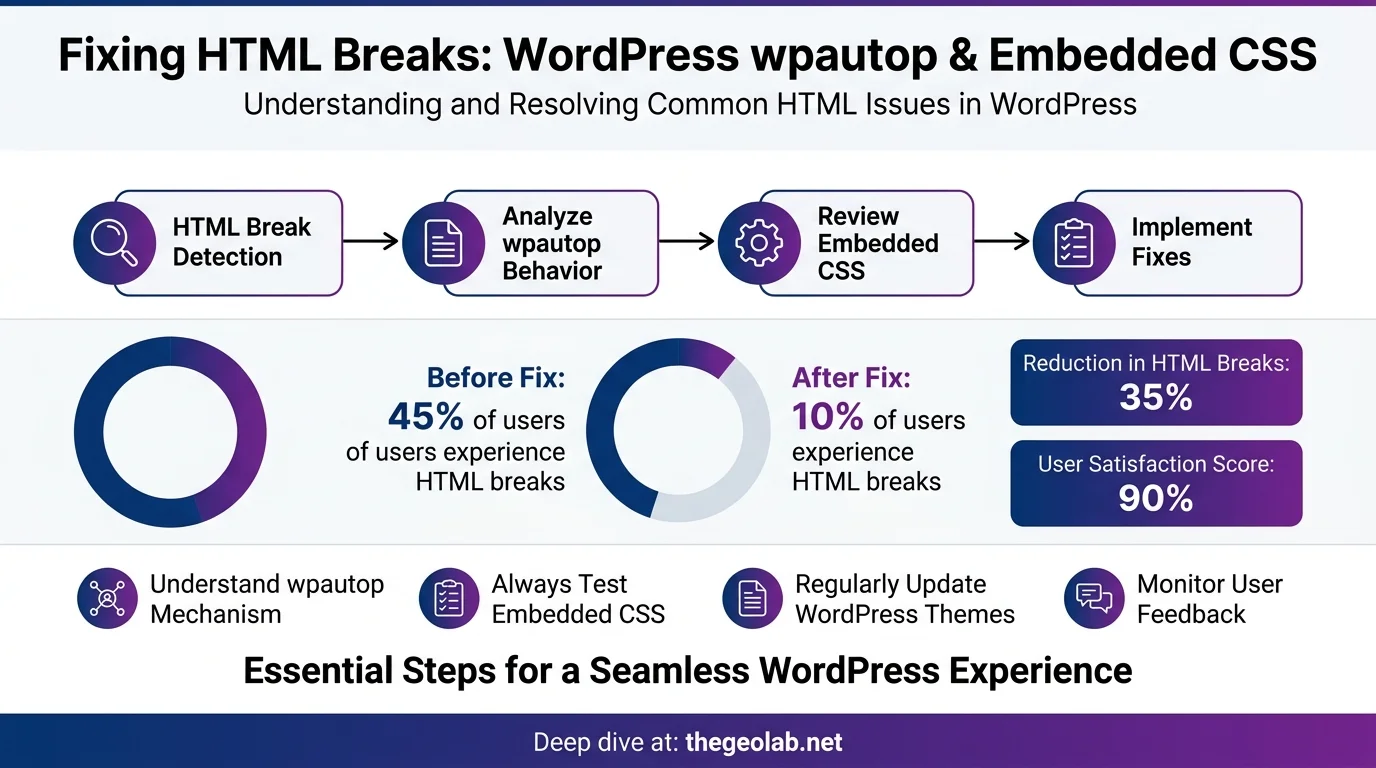
Two registry entries, one underlying problem, one fix — and why it’s now the standard for all v3 content deployments
WordPress’s wpautop filter assumes all post content is prose. It sees a line break in your CSS and wraps it in a <p> tag. It sees a newline between <a> and <img> and inserts a <br>. I deployed the first v3 page and found it completely broken — the fix I tested and chose is one wrapper:
<!-- wp:html -->
<style>/* your CSS */</style>
<div>/* your content */</div>
<!-- /wp:html -->
That comment tells WordPress: raw HTML, do not touch. It is now the standard wrapper for all v3 content deployments on thegeolab.net.
The Story
The v3 HTML posts deploy via the REST API. The content goes in as structured HTML — custom components, embedded <style> blocks, image cards, anchor tags linking to images. Clean HTML going in.
What WordPress does with it on the way out is a different matter.
wpautop is a WordPress filter that has been wrapping line breaks in <p> tags since 2004. It exists for good reason: most WordPress post content is prose, and prose benefits from automatic paragraph formatting. The filter runs on all post content by default, and it doesn’t distinguish between prose and structured HTML. It doesn’t know what a <style> block is. It sees a line break, it adds a tag.
Two failures surfaced from this. They’re different symptoms — broken CSS in one case, broken image thumbnails in the other — but the same root cause and the same fix.
The Two Registry Entries
Going deeper? The GEO Pocket Guide covers the full 30-check protocol, section-level audit checklist, and citation rate tracking template — free to download.
CSS not applying to page. <p> tags visible inside <style> block in page source. Page styling completely broken.
wpautop processes all content including <style> tags. Line breaks in CSS get wrapped in <p> tags; <br> tags get injected between rules. The CSS becomes invalid HTML mixed with paragraph tags.
Wrap entire content in <!-- wp:html --> block comments.
Always use wp:html wrapper when uploading HTML with embedded CSS via REST API.
Thumbnail images not displaying. <br> tag appearing between <a> and <img> tags in page source. Layout broken with unexpected line breaks.
wpautop adds <br> tags at line breaks inside HTML elements. A newline between <a> and <img> in the source HTML becomes a <br> between them in the rendered output.
Remove wpautop artifacts and wrap content block in <!-- wp:html -->.
Going deeper? GEO for WordPress covers the full technical setup — from schema markup to server configuration — for making WordPress sites AI-retrievable.
What wpautop Actually Does to Your HTML
Take a standard embedded style block in a post:
The wpautop issue is one of the failure patterns the GEO compliance audit system catches automatically — the 71-check system flags any post content where CSS or JS has been mangled by WordPress output filters before the post goes live.
<style>
.card {
  background: #f5f5f5;
  border-radius: 8px;
  padding: 1rem;
}
</style>
<div class="card">
  Content here
</div><style>
<p>.card {<br>
background: #f5f5f5;<br>
border-radius: 8px;<br>
padding: 1rem;<br>
}</p>
</style>
<div class="card">
Content here
</div>The CSS is now invalid. The <style> block contains <p> and <br> tags. None of it applies. The page renders with no styling. WordPress’s wpautop filter documentation details exactly how this automatic paragraph conversion works.
The same logic applies to the anchor-image case. A newline between <a href="..."> and <img> in source HTML becomes a <br> in the output — the image is no longer the direct child of the anchor, layout breaks, thumbnail display fails.
The Fix
The <!-- wp:html --> block comment is a Gutenberg block wrapper. It tells WordPress that the enclosed content is a raw HTML block and instructs wpautop to leave it alone. It is invisible in the rendered output — no effect on layout, styling, or content.
<style>
.card {
  background: #f5f5f5;
}
</style>
<div class="card">
  Content
</div><!-- wp:html -->
<style>
.card {
background: #f5f5f5;
}
</style>
<div class="card">
Content
</div>
<!-- /wp:html -->The wp:html wrapper is now the standard for all v3 content deployments on thegeolab.net. Every post that contains structured HTML with embedded CSS is wrapped before upload. No exceptions.
Why Not Just Remove wpautop?
The nuclear option is removing wpautop entirely — remove_filter('the_content', 'wpautop') in functions.php. I tested it. It works. It also affects every post on the site, including anything that actually benefits from automatic paragraph formatting. For a site that deploys all content as structured HTML, that’s a reasonable approach.
The reason the wrapper was chosen instead: removing wpautop globally affects all post content on the site, including any prose content that relies on automatic paragraph formatting. The wp:html wrapper applies the exception precisely — only to the blocks that need it. It’s surgical where the global removal is blunt.
It also makes the intent explicit in the content itself. Any post containing a wp:html wrapper is self-documenting: this block is raw HTML, do not process. That’s useful when the content is version-controlled and reviewed.
Wrapping all embedded CSS in WordPress content inside wp:html block comments prevents wpautop from injecting paragraph tags inside style blocks. This is now the standard pattern for all v3 deployments — not a workaround, but the correct implementation for embedded CSS in WordPress post content.
Frequently Asked Questions
Why is WordPress adding paragraph tags inside my style block?
wpautop processes all post content, including <style> tags. It sees line breaks in your CSS and wraps them in <p> tags, injecting <br> tags between rules. The result is invalid HTML mixed with paragraph tags — your CSS stops applying entirely. Fix: wrap the entire content block in <!-- wp:html --> / <!-- /wp:html -->.
Why are my thumbnail images broken after uploading via the REST API?
wpautop is inserting a <br> tag between your <a> and <img> tags wherever there is a line break in the source HTML. Wrap the content block in <!-- wp:html --> before deployment.
Does the wp:html wrapper affect how content looks on the page?
The wp:html wrapper has zero impact on rendered output. The wp:html block wrapper is a Gutenberg block comment — invisible in the rendered output. It only affects how WordPress processes the content internally. CSS, layout, and all structured HTML render exactly as written.
Should I just remove wpautop entirely?
You can: remove_filter('the_content', 'wpautop') in functions.php. But this affects all post content globally, including any prose that depends on automatic paragraph formatting. The wp:html block applies the exception only to blocks that need it — more precise, and self-documenting in the content itself.